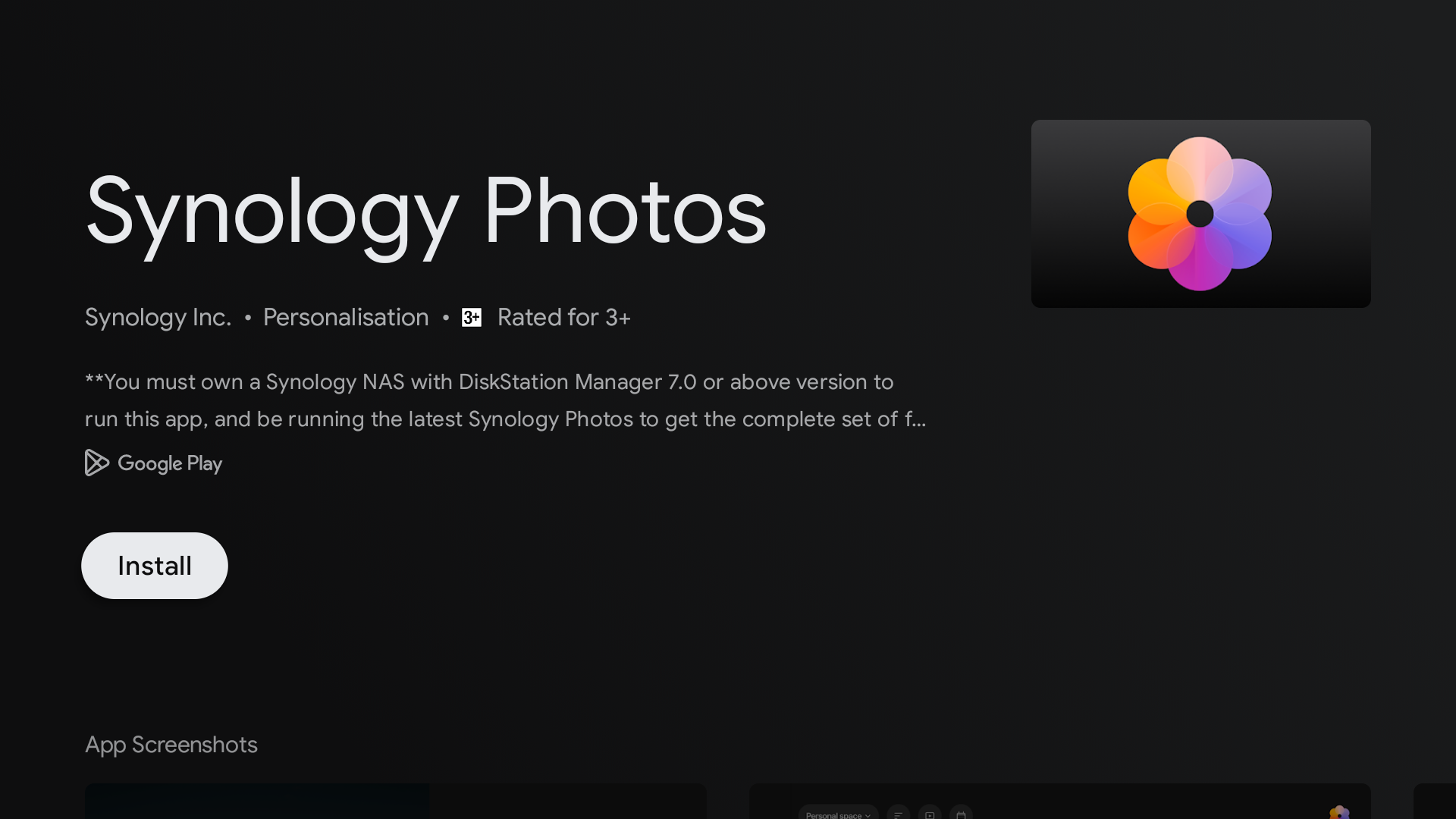
Synology Photos app now live for Android TV
If you own one of Synology’s top consumer NAS units, Synology Photos is one of the best Google Photos alternatives, allowing you to host all your photos without spending anything extra on a monthly subscription. It also helps that the Synology app mimics many of Google Photos’ smart features, like facial recognition. Now, you can do all that on the big screen with the native Synology Photo app, available for your living room TV.
ANDROID police video of the day
When we wanted to use Google Photos on our Android TV device, we also had to make several detours to install the app. The app experience still wasn’t up to scratch. Google Photos lets you cast your media to a TV as does Synology Photos but a native TV app makes your photos even more accessible, requiring one less device to view them.
If you rely on Synology Photo for your media backups, you can use its new Android TV app to show off your photos and videos stored on your Synology NAS to your friends and family. Synology already had an Android TV version of its DS Photo, but it’s a legacy app that lacks all the smarts of the new Synology Photos app.


This new app is already live on Play Store. On your TV, just ask the Google Assistant to look for the app or use one of the many ways to open the Play Store on Google TV. Alternatively, you can use your phone to remotely install Synology Photos to your linked Google TV device, as shown in the screenshot above. If you can’t find the app on the Play Store yet, you can download the Android TV version of Synology Photos from APK Mirror and sideload the app to your TV.
Signing into the app is just like any other Synology app on your phone. Enter your NAS’s local IP address or custom QuickConnect ID, enter your login credentials, and you’re in. Synology’s screenshots show a neatly laid out interface with a navigation bar on the side. And there’s also an option to view photos by tagged faces, just like in its mobile app.