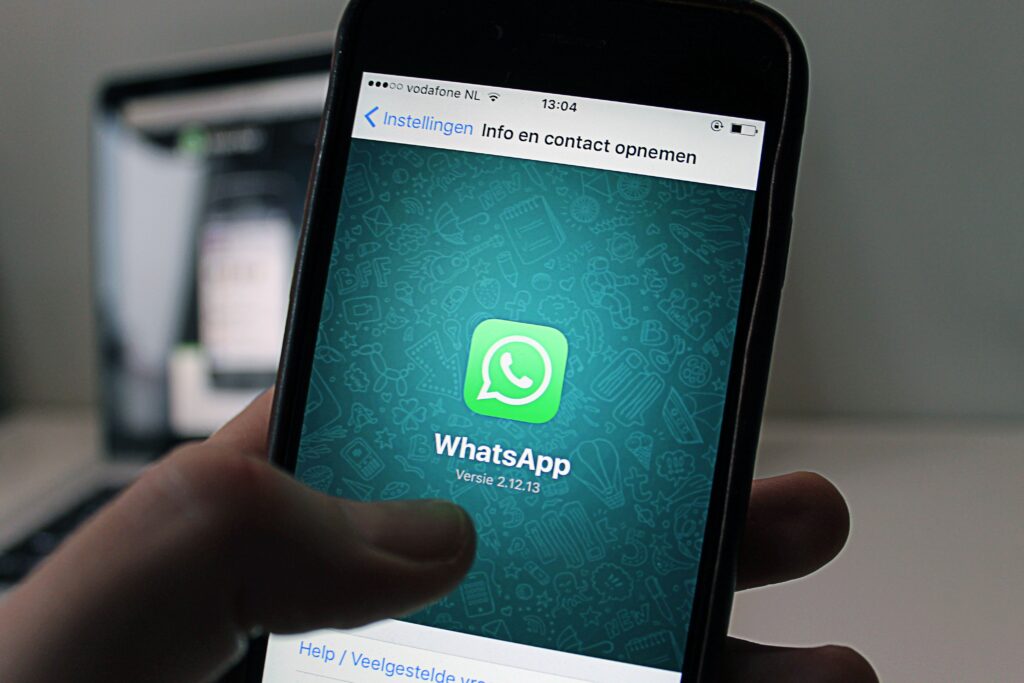
Are you experiencing problems when using WhatsApp Web from your computer? So don’t despair the new update received by the web version of this messaging appbrings a novelty that could only be accessed by users who used WhatsApp Beta.
From now on, everyone who has WhatsApp installed on their mobile device will be able to enjoy WhatsApp Web without having to turn on their phone.
Yes ok this feature greatly improves the user experienceIt can get a bit annoying why? For the simple reason that makes the login a little slower.
Why is WhatsApp Web slow to open?

As we mentioned above, now WhatsApp Web does not need to communicate with your phone to work. In this way, what this version does is connect with the servers of the messaging app, which results in a kind of slowdown when running in the browser.
In short, if you have your mobile turned off, or it is not connected to the Internet, WhatsApp Web will take several more seconds to open. Keep in mind that this is completely normal, since WhatsApp Web must be synchronized with the servers in real time in order to work correctly.
How to make WhatsApp Web start faster?

If you have been surprised by the time it takes for WhatsApp Web to run in your browser, you should not worry too much. There is a little trick that allows you to speed up the start of WhatsApp Web on any computer.
Basically, if you want WhatsApp Web to open quickly, you will need to have your phone turned on and connected to the internet. Thus, you will prevent this version of WhatsApp from connecting to the servers of the platform to be able to synchronize.
Remember that as long as you have your phone turned on and connected to the Internet, the WhatsApp Web login process will be much faster.