
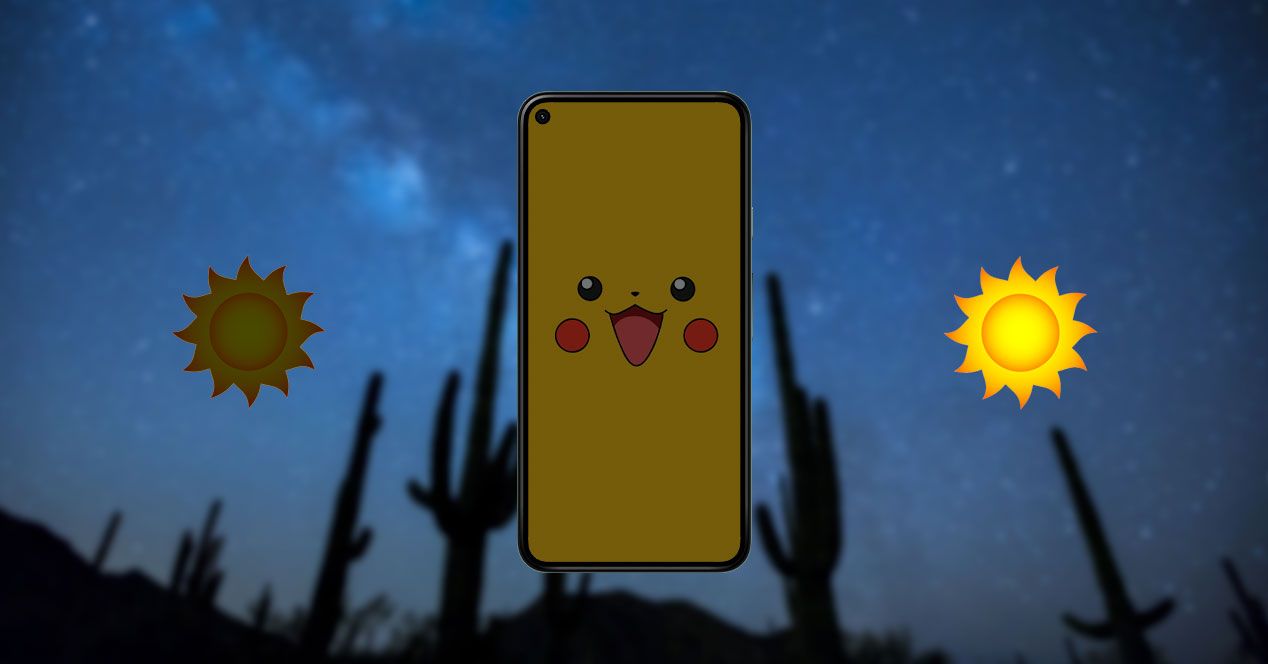
A few hours after knowing everything that Android 13 will bring us at the Google I / O 2022 event, the new version of Google’s operating system, we already have among us the leak about one of the novelties that will be released. In this case it focuses on a function that will dim the screen to ensure that the brightness does not bother us at night.
For years, users have been asking manufacturers to allow us a greater control over panel brightness and little by little it seems that the complaints and requests become reality. As you have discovered 9to5Googlein the internal code of Android 13 Beta this function has been located, with which our phone is much more concerned with our rest and passing through our sight.
Digital Wellbeing reduces screen glare
Anyone who has had an Android mobile in recent years may have come across the so-called Digital Wellbeing among the settings, with which Google wanted to invite us to go to sleep at the right time to be able to rest properly. This mode is also responsible for silencing notifications, sounds and even postponing some alerts that are not important. Now, in addition, it will try to take care of our sleep with a new function.
As it has been revealed, its operation will be simple, by means of a percentage that will progressively decrease, the screen will change the background, although it may also affect other elements. Causing the image to have less and less brightness on our Android mobile and, therefore, blue light is noticeably diminished. This reminds us of some options to further lower the brightness that we can use since Android 12, although now it is perfected.
In this case, being somewhat adaptive, the phone will be able to program it to work daily and not depend on our manual option. Some Google Play apps also promised us the same thing, although now when it reaches Android 13, it will be expanded by all manufacturers without the need to download and install anything. A change that, as we see in the following image, can also end up completely turn off the wallpaper and we suppose, be combined with the dark theme of the terminal.

In the first image we can see how the panel would look with the background at a brightness reduced to 0% and as we look to the right, we can see how it decreases, passing through a 25%, 50% and 100% dimming. At the end, the design we have is not perceptible, although for our eyes and for our dreams it will be very positive.
A function that can hide other Android 13 customization tools that will allow us to manually choose the time at which we want the changes to be effective and of course, be combined with reading mode or night light which gives a reddish hue to the entire image. Numerous studies have shown how the mobile and specifically the screen can make us rest worse, so it is not surprising that we are increasingly concerned about the effect that technology has at bedtime.


