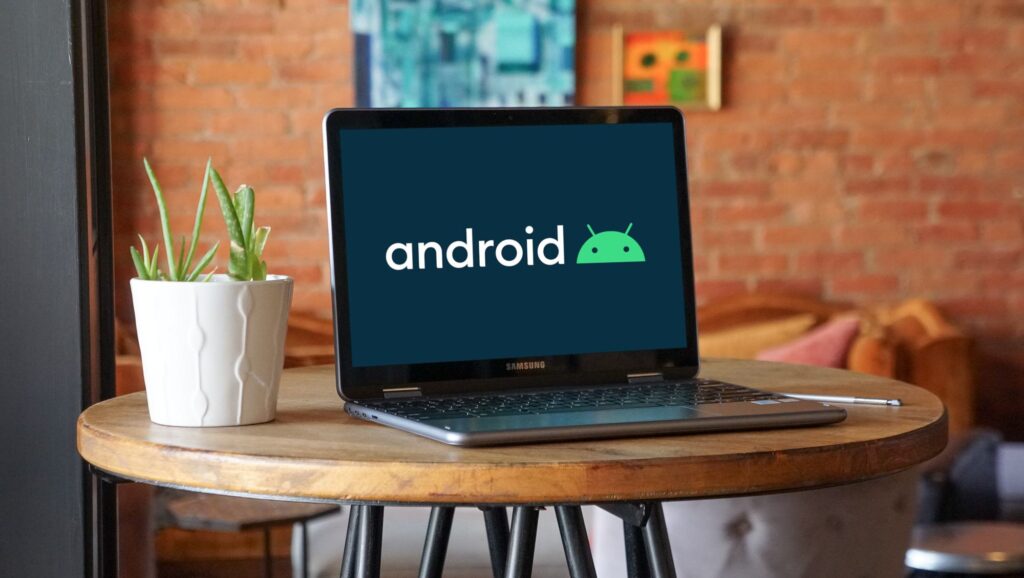
The release of Android 12L last March marked a turning point in Google’s operating system. After three years practically leaving aside the tablet market, the company returned to recover the illusion to launch a Android version adapted to tablets to try to close distances with iOS. What’s more, Google sees such a future for tablets that in 2023 it will launch its new Pixel Tablet.
During this Google I/O 2022 we see that google is serious with Android 13 in its conquest of the tablet market, presenting important improvements and novelties in the next version of its operating system adapted to large screens.
New app drawer to boost productivity
As we saw last March with the preview of Android 13, the app drawer button returns to Android tablets, and it does so in the new taskbar released in Android 12L for squeeze android multitasking and as we will see below:
The application drawer integrated in the Windows taskbar allows us to open the application drawer while we are using an application, but the important thing is not that, but that we can drag an app from the app drawer to the sides of the screen to activate the split screen. So with this feature we are not limited to apps pinned to the taskbar.
Split screen also from notifications
Another feature presented during Google I/O 2022 is that in the new version of Android for tablets we can activate split screen from a notification. For this, you only have to drag a notification to one of the sides of the screen to view two applications at the same time.
Drag a photo to another app
For years Google allows drag and drop files, a feature that the company is going to squeeze by making it compatible with more applications. For example, you can drag and drop images or videos from Google Photos a gmail or other mail or messaging applications.
New view of recent screens

Google also improves the open or recent apps view for also show those applications that we have in split screen as if they were a single entity. So if we can easily switch between two split screen applications to a full screen application.
More apps optimized for tablets

One of the main problems that Android tablets have been dragging is the lack of support for applications adapted to large screens. To give an example, Google confirm that you have optimized more than 20 applications for tablets, squeezing the big screens by displaying more information and menus. Google also reports that many third-party apps like TikTok, Zoom, Facebook and Canvas they are also optimizing their applications.

New Google Play Store for tablets

And how could it be otherwise, Google Play Store also renewed with a new interface for tablets, empowering apps optimized for the big screen. Its new interface is reminiscent of Google TV, especially in the application tabs, which are more visual and colorful, showing images of the background application content.