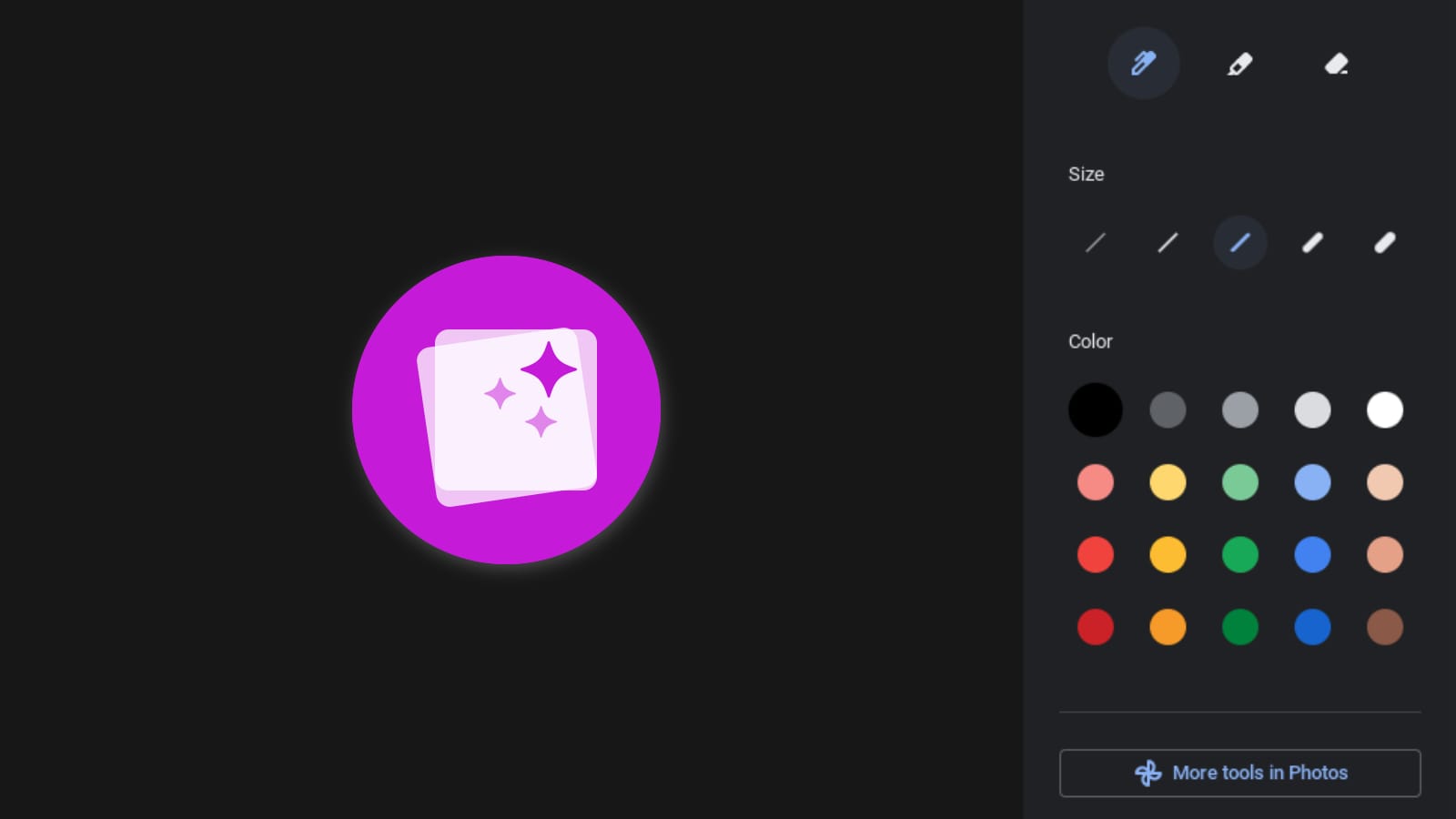
Last week, we reported on some new developments with the ChromeOS Gallery appWhich is getting a new feature to make it easier to edit images. The feature includes a new button inside the Gallery app that appears in markup mode and allows you to export the image to the Android version of Google Photos.Provides you more image editing options.
This feature can be enabled in Canary Channel by flipping certain flags: #media-app-photo-integration-image and #media-app-photo-integration-videowhich are described in the commit Shows the button to edit the current image (or video) in Photos, within the ChromeOS Media app. This was discovered by 9to5Google and later confirmed C2 Productions On Twitter, Joe was able to get the “Edit in photo” option to show up, but only when watching a video. Unfortunately, the flags were not working when trying to edit an image.
 “Edit in photo” button while watching a video. Source: C2 Productions
Although, Latest version of ChromeOS Canary shows more progress has been made on that front, C2 Productions Notified us once again, as they noticed that this time the button to edit with Google Photos was visible when editing an image. Note that there are flags Still only visible in the Canary channel, and for this feature to work, the Android version of Google Photos needs to be installed.
 The “More Tools in Photos” button in Image Markup Mode.
Exporting the image from the Gallery and then opening it from Google Photos wouldn’t be much different from having an option within the Gallery app to transfer the photos to Google Photos for further editing except to save us an extra step. However, I think it will be most beneficial for users who aren’t accustomed to that type of workflow or aren’t aware that the Photos app can do much more than just store photos taken with your camera. could. It’s great to see that ChromeOS is giving us tools to tie together different apps to create more powerful workflows.