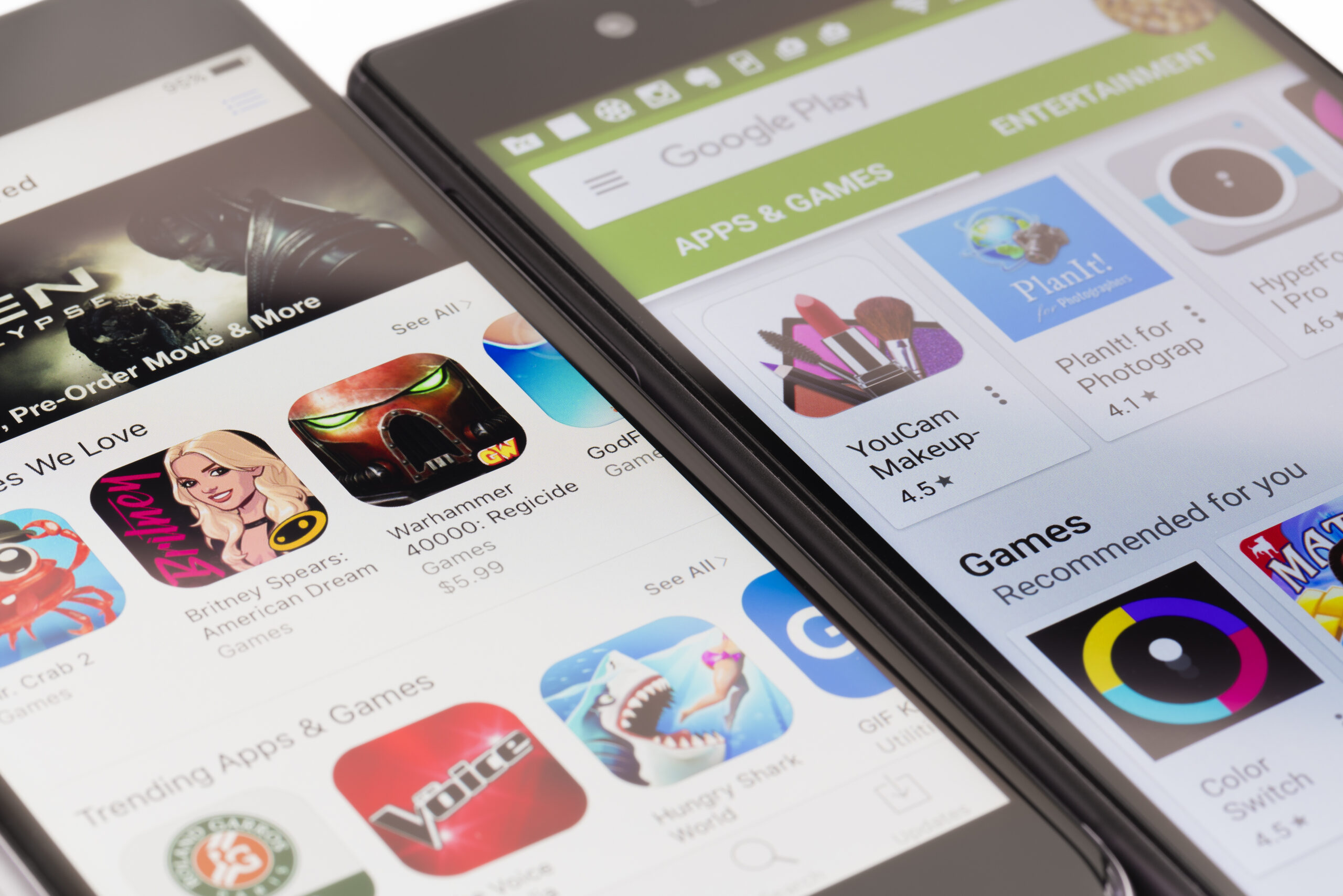
Millions of mobile users may be silently paying for subscriptions they don’t even know they’ve signed up for.
It’s easy to sign up for a free subscription and then forget to cancel after the free trial is over, denting users’ bank balances.
1
Mobile users can silently pay for subscriptions they didn’t know they signed up forCredit: Getty
Sometimes apps will even trick you into signing up for a subscription.
Whatever the reason, it’s easy to check and cancel app subscriptions on both iPhone and Android devices.
But remember, you can only cancel the subscription for which you have signed up through the official app store of your mobile.
If you signed up elsewhere, like Netflix or Amazon, you can’t unsubscribe this way.


And simply deleting an app will not cancel your subscription.
Scott Mowbre, cofounder of money-saving app Snoop, says forgotten or unused subscriptions can be a “significant blight to your budget.”
He adds: “Smart phones make it so easy to set up subscriptions with recurring payments that you can very quickly lose track of how much cash you’re paying each month.
“People have an average of four subscriptions with Apple and pay £310 per year.
“The thing that trips up most people is the free trial that you just forget to cancel before the first payment.”
how to check iphone subscription
Apple subscriptions can be easily viewed in the Settings app.
All you have to do is tap your name at the top of the menu and it will bring up a tab for subscriptions.
There, you’ll be able to see all the subscriptions you’ve activated through the App Store.
You will also be able to see the date you were charged.
Clicking on an individual subscription will also let you know how much it is costing you.
It will also state whether you were charged weekly, monthly or annually.
And if you decide you want to cancel your subscription altogether, there’s a Cancel Subscription button at the bottom.
You will still be able to use the service until the end of the current billing cycle, but this will be different for each app.
How to cancel a Google Play subscription
Sign in to your Google Play Store – and make sure you’re signed in with the correct account.
Then tap on Menu and go to Subscriptions.
It will then let you choose the payment plan you want to cancel and then press Cancel Subscription.
Then you have to follow some simple instructions, and once you cancel it, the plan will not be renewed.
How to keep track of subscriptions
It’s easy to lose track of your subscriptions, but there are several easy ways to make sure you’re not silently losing out on your hard earned money.
It may sound simple, but putting a date in your diary to remind you to unsubscribe can keep you from going on your free trial.
Another easy way to save money is to cancel your subscription immediately after signing up for the free trial.
Most iPhone apps will allow you to cancel your app subscription while still getting the free trial.
Android users can also do this by visiting the Google Play Store.
There are also a number of useful apps with features to help you keep track of subscriptions.
Money management app Emma will help you find unnecessary subscriptions.
By linking your bank accounts to the app, Emma will give you a list of all your outgoing subscriptions.
Then you can decide which one you want to keep.
Revolut also helps you organize your subscriptions in one place and track where you can save.
It’ll also let you know when free trials are ending and alert you ahead of time so you can decide whether or not you want to cancel.
Snoop can also take a look at all your bank accounts to help you find subscriptions you don’t want, or don’t need.
You can also link the Services to products with contract expiration dates and set up expense alerts.
hTo stop in-app purchases
In-app purchases can also cost you out of pocket, especially if you’re sharing the device with your family.
These are purchases made from within a mobile app, such as on a smartphone or tablet.
But there are restrictions you can put in place to stop these pesky purchases.
Scott said: “Even if your kids aren’t playing on your phone, this will help prevent accidentally spending more than you want inside an app.”
On Apple devices, go to Settings > Screen Time and Content & Privacy Restrictions.
Can I get a refund for an app I haven’t used?
Some apps purchased from the Apple App Store may be refundable, but the rule is unclear as to what exactly qualifies.
To find out, simply sign in to reportaproblem.apple.com and tap or click on “I want to” and then select “Request a refund”.
Select the reason you want a refund, and then select Next.
This will bring up a menu that will let you choose the subscription you want to cancel, and then click Submit.
Google may offer refunds for certain Google Play purchases made on Android.
You may get a refund if you purchased a subscription by mistake or someone paid with your details and without permission.
Google says that all refund requests must be made within 48 hours and a decision will be made within one business day.


You will then need to enable Restrictions.
Go to iTunes > App Store Purchases > In-App Purchases, and select Don’t Allow.
We pay for your stories!
Do you have a story for The Sun Online Money team?