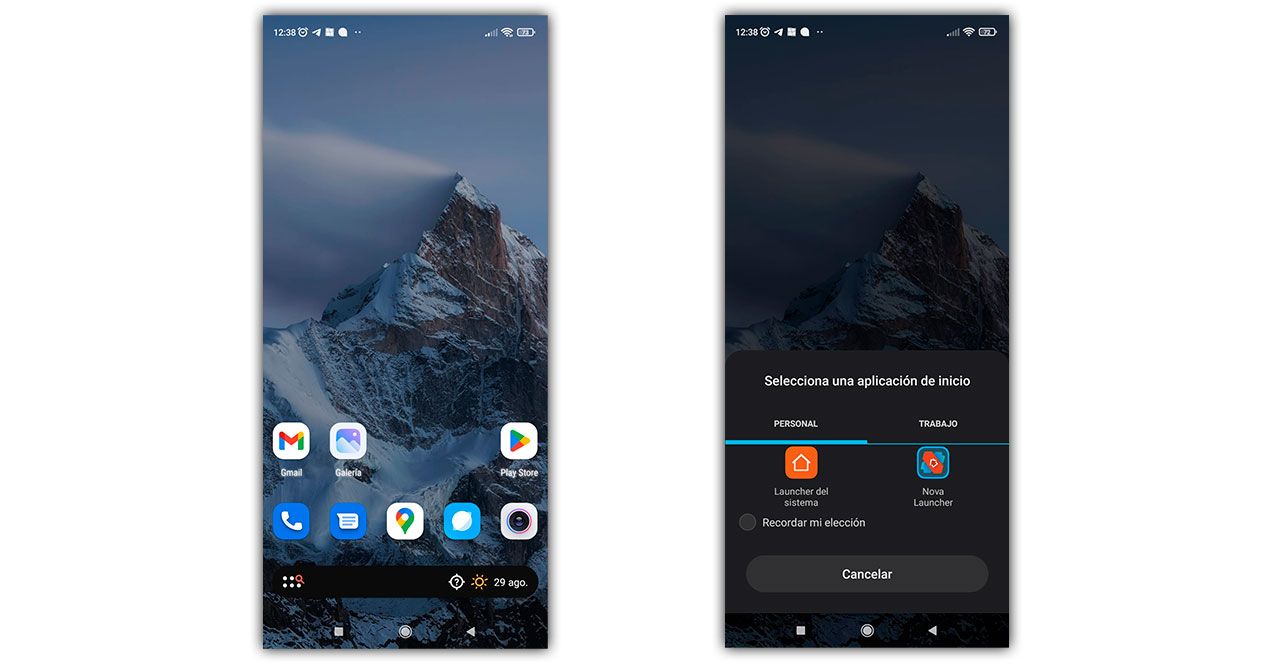
For many years, application launchers such as Nova Launcher , Lawnchair and Action Launcher, among others, have improved the user experience and personalization on Android mobile devices, and continue to do so, since they provide different experiences of visual design and functionality based on which you select.
However, recently, some users have found themselves faced with a problem related to them. Although they are generally easy to navigate, several people have recently complained that their mobiles revert to the default launcher option, which makes it difficult to reach the home screen.
Those responsible are not the usual culprits, but one that you probably cannot imagine.
Digital Welfare may be responsible
The Android service that allows you to know the time of use of your mobile, Digital Wellbeing could be to blame that your application launcher does not work. Specifically, it would be a recent update of the application, which would be causing problems with Nova Launcher and other launchers.
After updating this app, many users have been annoyed that their default launcher selection does not remain, so they have to choose it again at least once a day after navigating to the home screen.
Some claim that the initiator choice is reset at midnight, while others indicate that their mobile asks them to choose it again when they try to return to the home screen. In any case, their default selection doesn’t stick around and it’s a huge hassle for them.
This is not fixed by multiple reboots or by reinstalling the app launcher. It is also not helpful to change battery optimization settings of Nova Launcher or other launchers or accessibility settings. The most frequent solutions to this type of problem do not work, since it is another cause.
In these cases, the cause would be this Digital Wellbeing update and not the usual ones, since several users have stated that the error it was solved when disabling the Digital Wellbeing app on your mobile or that appeared when testing with your settings.
you can fix it like this
Google has not commented In this regard, we are not aware that they are working to solve this problem. For their part, those responsible for Nova Launcher have assured that it is not something exclusive to their launcher and that they do not know how to solve it, so the theory that the error is found in this Digital Wellbeing update is probably correct.
Therefore, if you find this error on your mobile, for now the only possible solution is deactivate this app that allows you to control and limit the use of your device. You just have to go to the Play Store application store, search for Digital Wellbeing and hit uninstall. This will uninstall your updates.

It does not hurt that you restart your phone after having done it and try again to make sure that it is working fine. We hope that soon Google will recognize what is happening and fix it definitively.