According to a new report from IGNNow that the Xbox Cloud Gaming beta is available for Valve’s portable gaming PC, Steam Deck has joined the list of devices compatible with Xbox Game Pass.
Xbox Cloud Gaming Head of Product and Strategy Catherine Gluckstein said on Twitter that Valve and Microsoft are collaborating to make xCloud and Game Pass work on Steam Deck. It seems that Valve took a lot of help from Microsoft to get Xbox Game Pass up and running on the Steam Deck.
We worked closely with our friends at Valve to support #xcloud #XboxGamePass through Microsoft Edge for the Steam Deck. pic.twitter.com/Jr4JPQSbFC
Catherine Gluckstein (@CJGluckstein) March 18, 2022
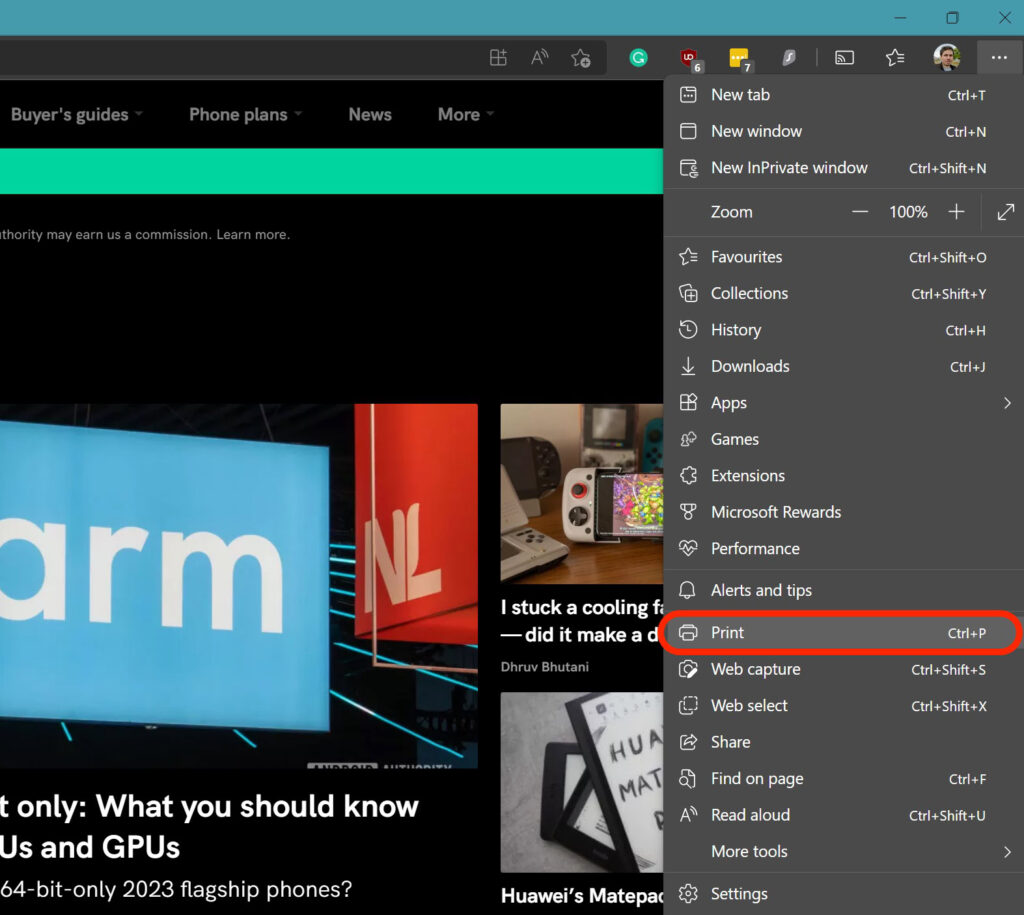
Steam Deck users can access Xbox Game Pass through Xbox Cloud Gaming included in Microsoft Edge Beta. This means that players must install and launch the Steam Deck version of Microsoft’s web browser to navigate to the xCloud launcher. This process is similar to the operating logic of xCloud on the computer.
Last month, Valve president Gabe Newell said he would be very happy to work with Microsoft to include Xbox Game Pass on Steam. Because, according to Newell, Valve does not plan to offer a Game Pass-like subscription service anytime soon. The xCloud support brought to Steam Deck may also be the first big step towards the cooperation of the two companies in this direction.
At the same time, Valve is working to bring the Windows operating system to the Steam Deck. Valve’s portable gaming PC currently runs a Linux operating system; however, Valve is gradually introducing Windows support for the device as well.