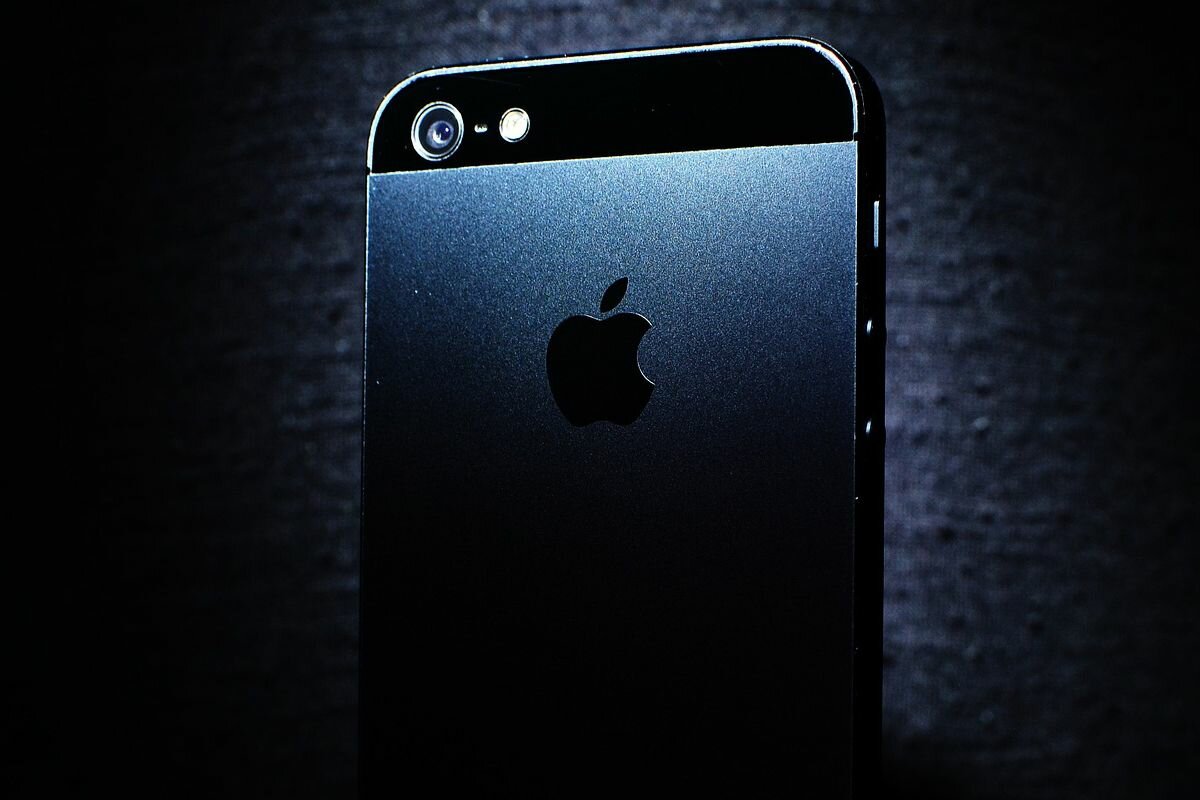
The letter “i” that goes before the word iphone It is something that has generated many doubts among people, above all, because it has practically become a characteristic differentiator of the brand, since, as is known, Apple devices always have this letter at the beginning.
Such are the cases of iPad, iMac, iTunes, among others, which always carry the “i” to stand out from other devices on the market. In that sense, have you ever wondered why it has to be precisely this letter? While there are many theories on the internet, Steve Jobs himself provided the answer many years ago.
To clear your doubts, from MAG We offer you a detailed explanation of the true meaning of the “i” that goes in front of Apple devices, this with information taken from the web 20 minutes.
This is what the “i” means in front of the iPhone
The letter “i” that always goes before Apple devices, such as iMac, iPod, iTunes, iPad and iPhone, is something that perhaps many have gone unnoticed; however, it has a rather deep meaning.
Although many believe that this letter has been placed by the word internet, the truth is that Steve Jobs himself came up with the exact answer in 1998, in which he assured that the “i” actually has five meanings.
According to Jobs, the lyrics state: internet, individual, instruct, inform and inspire. To the surprise of many, the initial on Apple devices is something much deeper than previously thought, since it is related to the concept of the same brand.
Trick to activate bold letters on your iPhone
If you want to change the fonts on your iPhone to make them bold, you can do so by following these steps. Follow the directions.
- From your iPhone go to the Settings app.
- After these, swipe to the bottom of the screen and tap on Display and brightness.
- Now, go to the bottom and activate the option Bold text.
- Then, you will notice how the letters available on your iPhone will become bold, even the apps.
- Once this is done, you can take advantage of increasing the size of the letters.
- To do this, go back to the Settings.
- Select the Display and brightness option.
- Choose Text size and you will be able to increase the letters, according to your preference.
So you can add a security key on your iPhone
With the betas of iOS 16.3, it was possible to discover the new functions that they will bring to the iPhone, such as security keys. Therefore, we teach you how to add one on your mobile device.
- The first step is to open the Settings app on your iPhone.
- Now, click on the user profile icon, located at the top of the screen.
- Among the options, tap on Passwords and security.
Follow us on our social networks: