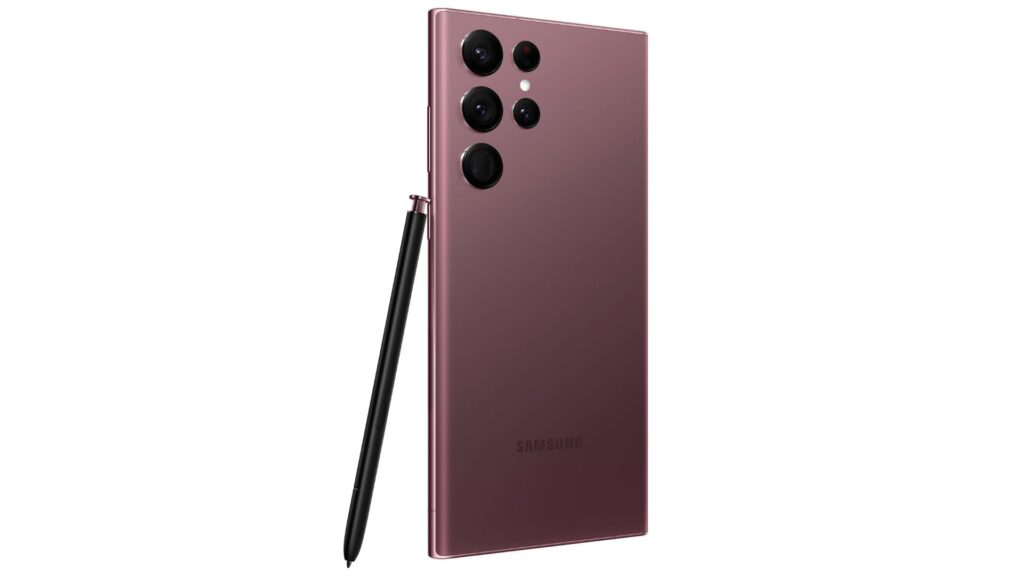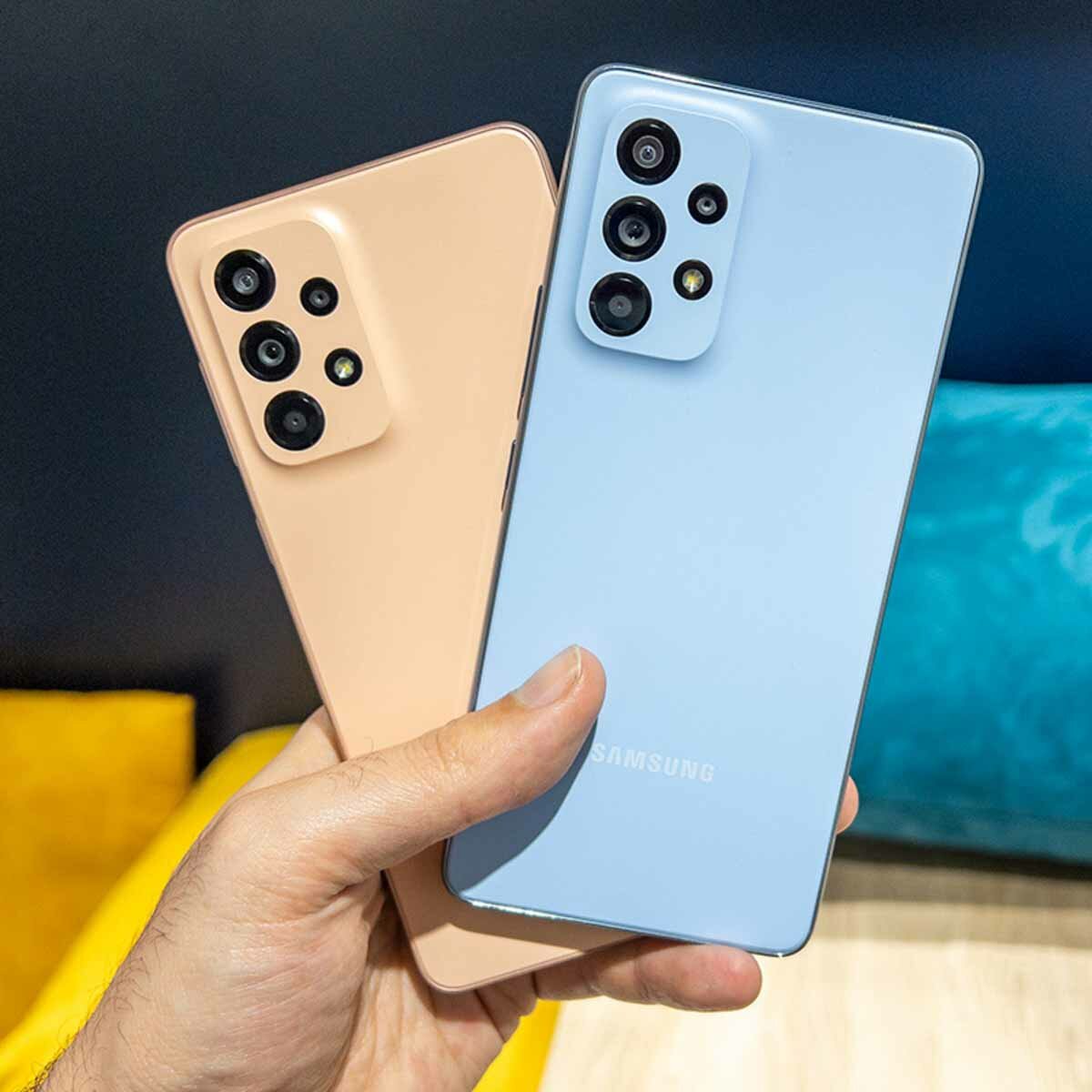
Both the Galaxy A34 and the A54 are mid-range phones from Samsung with great features and good prices. Do you have one of these in your possession? then you will love it see the 15 best tricks for the Samsung Galaxy A34 and A54 in this 2023. After you put them into practice, you will discover the true potential of these mobile phones from the South Korean company.
Samsung updated its Galaxy A series of smartphones with the launch of the A54 and Galaxy A34 this March 2023. The former succeeds the excellent mid-range Galaxy A53, while the latter replaces the Galaxy A33, and both sit below from the flagship Galaxy S23 range. If you don’t want to spend a lot of money but want enjoy the latest Samsung technologyany of these two mobiles will be perfect for you.
15 tricks for the Samsung Galaxy A34 and A54 that you should try right now
Making the most of a phone is not easy, so we will tell you what are the 15 best tricks for the Samsung Galaxy A34 and A54, so you can get the real juice out of your device. Try and draw your own conclusions!
Activate detailed notifications on your Samsung Galaxy A34 and A54

In case you didn’t know, detailed notifications will allow you to view more information in the floating windows of your Samsung Galaxy A34 and A54. These are activated in the Settings of your mobile, then you get into the notifications section and press the Detailed option.
Find out which apps use your phone’s camera or microphone
If an app has access to your Samsung Galaxy A34 or A54’s camera and microphone, an indicator appears at the top right of the screen right next to the battery icons and so on. When this indicator appears, you will have the possibility to press it to see which apps are using the phone’s microphone or camera. Easier impossible!
Dynamic wallpaper on your Samsung Galaxy A34 or A54

Both the Samsung Galaxy A34 and A54 come with a feature called Dynamic Lock Screen. This is responsible for automatically changing the wallpaper image every time the screen is turned on. When you apply this trick, your mobile will constantly change its appearance and will have a unique style.
To activate this on your smartphone, go to Settings, go to Wallpaper and Tap Wallpaper Services. There activate the Dynamic lock screen box and press apply.
Use a simple gesture to record
The Samsung Galaxy A34 and A54 allow you to press the button for a long time to shoot photos and then slide it up and start recording videos. A trick of these phones quite simple, useful and really very little known.
Create funny emojis with the keyboard

Before trying to do this trick, first make sure your Samsung Galaxy A34 or A54 has the Samsung keyboard enabled (This usually comes pre-installed on the mobile). Because? Because if you use an external keyboard like GBoard, then this process cannot be done.
Open the Samsung keyboard (either in the chat of any application or in a text editor) and touch the emoji icon that appears as a bar above the keyboard. Now look for the icon of two emojis that are one in front of the other and that’s it. Then it’s up to you to choose two emojis and combine them to send them as GIFs in conversations. One of the easiest and most fun Samsung Galaxy A34 and A54 tricks of the list.
Use split screen
One of the most useful Samsung Galaxy A34 and A54 tricks you can learn is split screen. Just have at least one app in the Recents window (it can be any compatible like Facebook, Youtube, Gallery, Chrome, Mail, Play Store, Phone or Maps). Remember that to have them in this section, you must open an app and then minimize it . Then open Recents and press the application icon that appears at the top and then tap Open in split screen view.
Now choose any application from those that appear at the bottom of the screen so that you can use both at the same time. You have realized? It is the perfect strategy for listen to music on YouTube while talking on WhatsApp on your Galaxy A34 or A54.
Choose your default apps
If you have several music players (for example), you can make only one of them open your favorite songs. Go to the Settings of your Samsung Galaxy A34 or A54 and then tap Apps to choose the app you want to set as default. Finish by clicking on it and touching Set as default.
Put the voice recorder on your lock screen

One of the easiest and most interesting Samsung Galaxy A34 or A54 tricks is to make the voice recorder appear on the lock screen. As? Activating its respective shortcut from the phone settings. Enter the Lock screen section, press the Widgets option and choose the respective recorder.
Hide notifications from some apps
An interesting Samsung Galaxy A34 and A54 trick is to make floating notifications from one or more apps stop appearing at the top of the screen when they arrive. If you want to do it, go to the Settings, enter the Notifications section, press the More button and touch the apps you want to disable the switch of the Globs notf entry of applications.
Remove the screenshot toolbar

The toolbar that appears when you take a screenshot is useful, but there are times when it can be annoying. If you want to remove it, you can go to Settings, Advanced Features and Screenshots. When you are in this section, disable the Capture Toolbar switch.
Take advantage of the Snapchat filters on the camera of your Samsung Galaxy A34 or A54
When you are going to take a photo, you can take advantage and give it an unbeatable touch using the Snapchat filters on your Samsung Galaxy A34 or A54. As? Well, from the Fun mode within the camera application. After you have activated it, you can use a lot of fun filters to brighten up your photos. Choose the one you like best and you’re done!
Activate the dimmed extra brightness on your Samsung Galaxy A34 and A54

Sometimes, the brightness of the mobile screen can annoy you due to its intensity. If you want to avoid this, you can activate the extra brightness dim by pulling down the status bar and looking for the greyed-out Extra button in Control Center. You just have to press it and that’s it!
Hide the apps of your Samsung Galaxy A34 and A54

To hide applications on your Samsung Galaxy A34 or A054 you have to go to Settings, Home screen and Hide apps. At this point, you just have to choose the apps that you want to disappear from the home screen and the app drawer. Then you must click on Perform and that’s it.
When you want to find the apps you have hidden, type their names in the search bar of the app drawer. And if you no longer want them to be hidden, you must go back to the settings and uncheck them. An ideal trick to maintain discretion at certain times in life.
Show your palm to take a selfie
By simply showing the palm of your hand and without having to touch the shutter button on the camera, you can take a photo with your Samsung Galaxy A34 and A54. Without a doubt, this is perfect for capturing a selfie and the only thing you have to do is apply these settings first:

- Enter the camera app of your mobile.
- Go to the camera settings, tapping on the gear button displayed in the upper left corner from the screen.
- Once there, go to Shooting Methods and turn on the show palm function.
By having this function activated, every time you want to take a photo, you only have to make the gesture of a palm. This will make the camera app recognize it and activate a timer of about two seconds.
Slide your hand on the screen to take a screenshot
Did you know that you can take a screenshot on the Galaxy A34 and A35 with a gesture? Well yes, you just have to slide your hand on the screen from one side to another. To activate this function, follow the steps below:

- Go into settings.
- go to advanced features.
- Click on movements and gestures.
- Activate the function swipe to capture.