What you need to know
- At Google I/O 2022, Android 13 beta 2 was introduced with more features.
- These features include more extensive use of Material You theming options.
- Google is also integrating new improvements for tablets and devices with larger screens.
Google had a lot to share during I/O 2022 Keynote, and that certainly includes the world of Android. Unlike last year’s Android 12 announcement, Android 13 doesn’t have nearly as many drastic additions. However, there are some impressive changes that aim to improve your experience on the best Android phones and tablets.
As we expected, it took some time for Google to focus on the security and privacy settings. With Android 13 beta 2, we’re getting a brand new photo picker, which gives more control over the files that can be accessed by different apps. There are also new categories for “Files & Media,” “Photos & Videos,” and “Music & Audio.” This photo picker allows you to select specific files to share with different apps, as opposed to the “all-or-nothing” approach.
(image credits: google)
With the current version of Android 13, Google noted that you’ll need to provide regular notification access to various apps. This is being expanded in Beta 2, reducing the location permission requirements for various apps. In keeping with security trends, your phone will automatically clear clipboard history after a “short period”, preventing other apps from seeing information it doesn’t need.
Android 13 beta 2 also offers a slightly tweaked interface for the security and privacy section on your Android phone. It aims to provide better color-coding for areas that need some attention, as well as provide steps to keep your phone and information more secure.

(image credits: google)
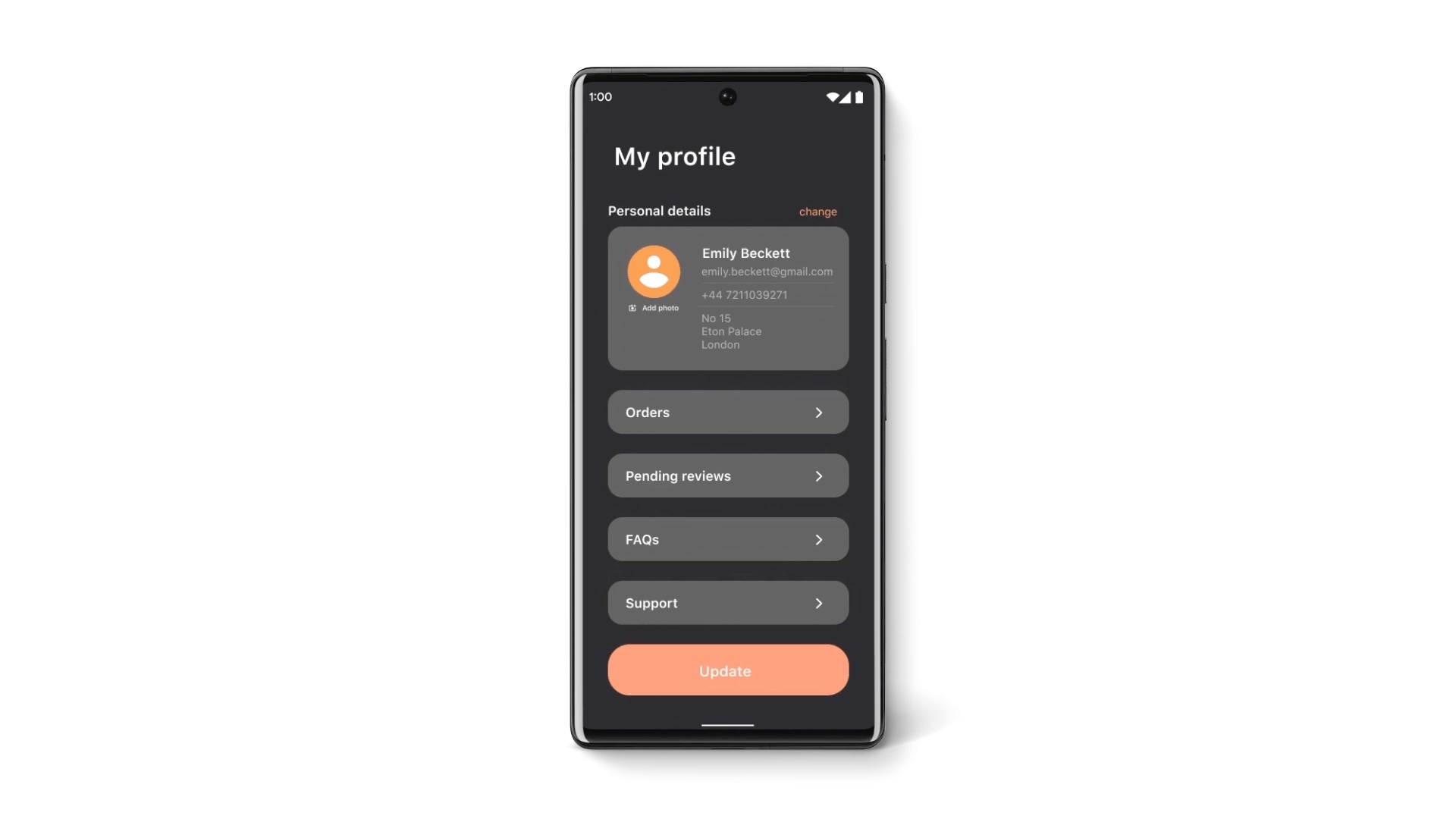
When the first Android 13 beta was released, we noticed that the changes you made to the material color palette were updated with more options. As it turns out, this is expanding even further, as those different color accents will appear in more Google apps.
It’s going up a notch, as the “themed icons” option will now apply to any third-party app that supports the Material U theming engine. The ultimate goal is to deliver an even more cohesive and unique-to-look and feel across your entire device. Google has also confirmed upcoming changes to the media controls, as it will also be implementing the Material U theme to go along with the awfully squiggly playback line.
Image 1 of 2

(Image Credit: Google) Image 2 of 2

(image credits: google)
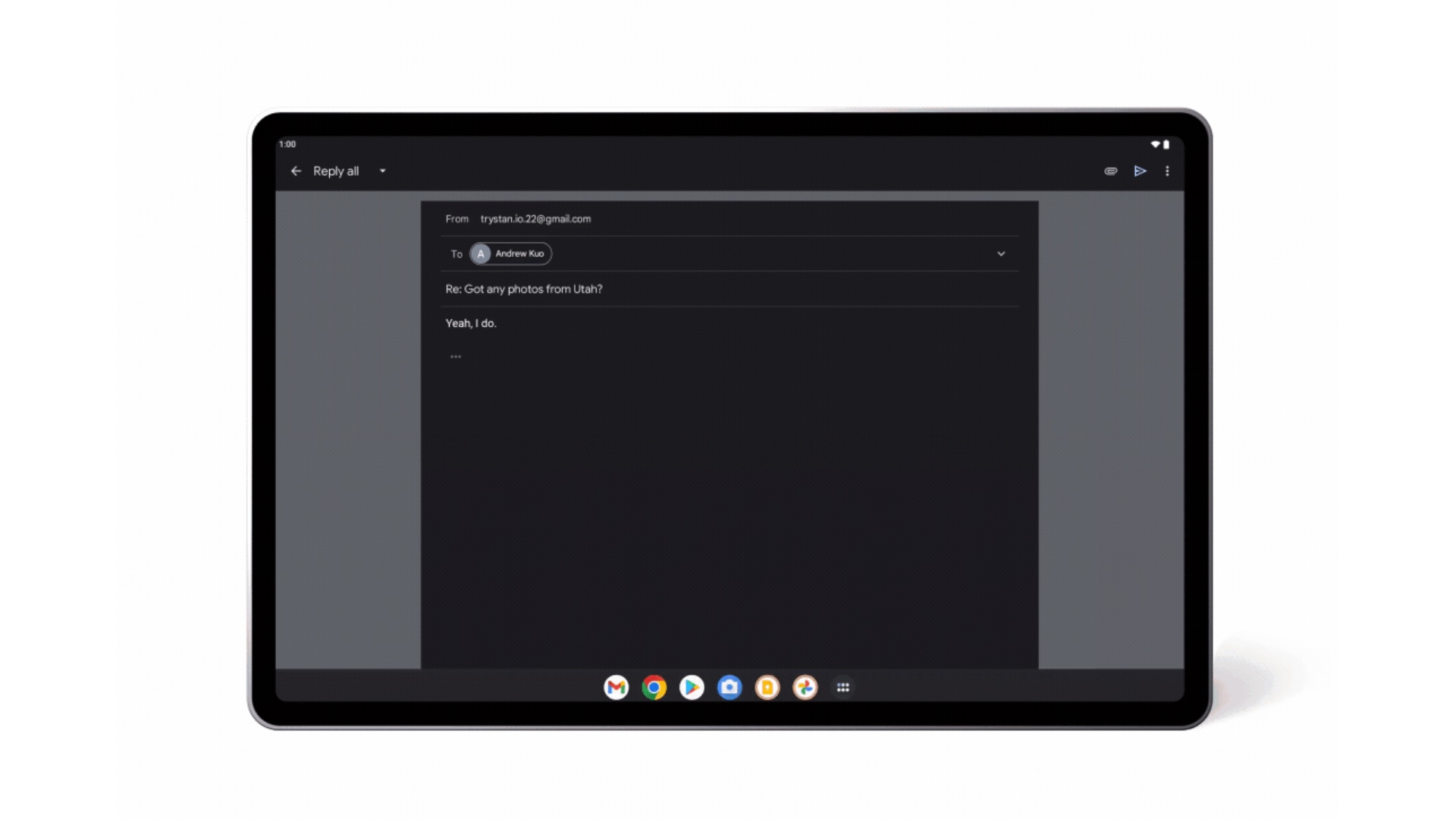
Last, but certainly not least, Google is combining the tablet-centric features of Android 12L and expanding on them with Android 13. A new multitasking interface is coming to compatible tablets, made possible by Google’s new taskbar. Once available, you’ll be able to easily drag and drop apps from the app library onto your screen.
Android 13 is also bringing better palm rejection when using the tablet with the stylus. It’s something we’ve seen Samsung and Lenovo try to implement, but it’s a welcome addition to Google’s version of the OS.
(image credits: google)
In a surprise announcement, “over 20 Google apps” are being updated. These apps will be able to take better advantage of the screen real estate provided. Google also confirmed that it is working with other companies, such as Zoom, Facebook and TikTok, to provide a “revamped” interface for tablets.
While this may sound like a lot of changes, there is more to come as Google has confirmed support for spatial audio and other features. We’ll dive into Android 13 beta 2 in the coming days to find out all the changes that could make their way into the best Android phones later this year.