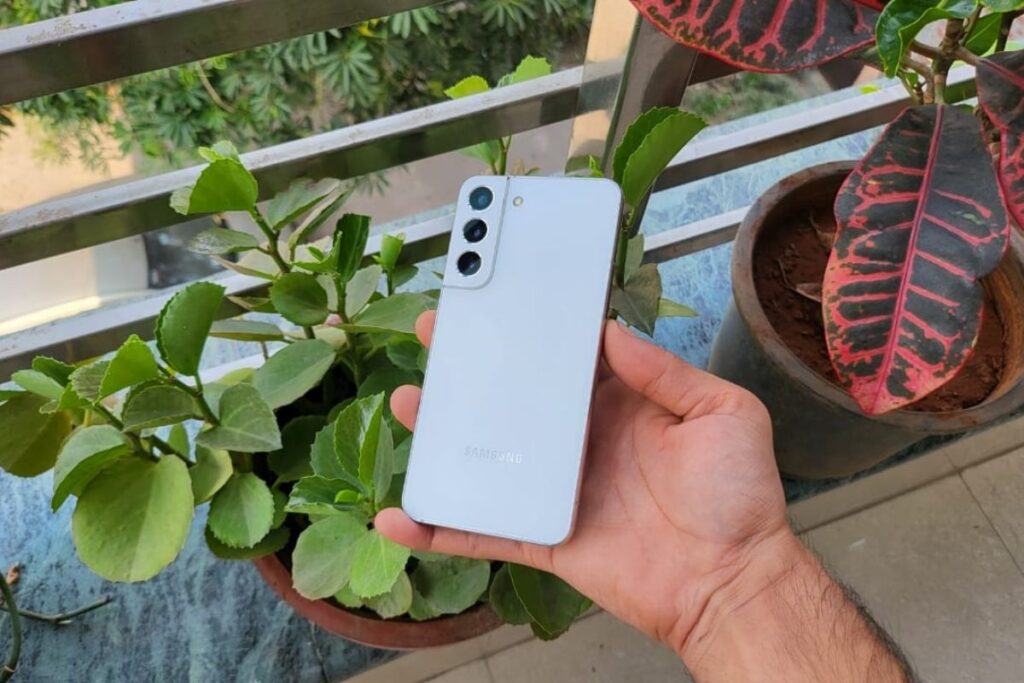
Samsung makes a big song and dance about its top-end phones like the new Galaxy S22, which shows off all the fun and useful features of these devices. However, if you cannot afford one of these premium mobiles, you can assume that you do not get to enjoy these devices.
That’s not the case though, as the more affordable Samsung phones also bring a lot of the cool features featured on Galaxy S devices. So if you buy a Galaxy A mobile, like the mid-range Samsung Galaxy A53 or the budget Galaxy A13, you can use a lot of these functions.
To give you an idea of some of the best Samsung Galaxy S22 features you can use on a cheap Samsung phone, we’ll walk you through six of our favorites right now.
1. Single Take Mode
(image credits: future)
With the Samsung Galaxy S20 series, we saw the launch of Single Take, a mode that makes photography a lot easier, and it remains a big feature of later Galaxy S devices.
With the mode, you record a video of your subject, moving around and recording from different angles, and then the AI picks the best pictures from that and edits them for you.
It lets you take an amazing picture whether you know much about photography or not.
Although this has been a major selling point of Samsung Galaxy S phones, it is actually available on Galaxy A phones as well. It lets you take these super-simple snaps whether you paid for a top-end Samsung phone or not.
Admittedly, AI isn’t smart enough on budget phones, so the photos don’t match those of the S-series phones, but it’s still a great feature that doesn’t require you to pay much.
2. Device Care
If you’re spending a lot of money on an expensive phone, you’ll want it to last a long time—but depending on how you use it, it may not always be easy to achieve.
Thankfully, Samsung phones offer a way to help with this. In the Battery section of your Settings mode, you can find the Device Care menu. Here, you can see how healthy your device is, with a simple score telling you how well the phone is optimized for longevity, and you can try to increase that score as well.
The menu gives you options to optimize storage, memory and battery, all to make sure your phone is running as healthy as possible.
Even if you didn’t pay top dollar for a Samsung phone, this mod can be helpful—after all, you want your device to last a few years, whether you paid $400 or $1,400. This menu appears for all Galaxy devices, not just the S-series ones, so you can tweak the way your phone works.
3. 120Hz Display
(image credit: TechRadar)
Samsung was one of the first companies to adopt high-refresh-rate displays on its smartphones, with some Galaxy S phones using 120Hz screens before rivals.
The high refresh rate screen makes movement smoother, so whether you’re scrolling through social media or playing games, you get a more enjoyable viewing experience.
It’s a feature we initially saw exclusively in top-end phones – the aforementioned S20 was one of the first to use it – but now, you have to pay loads for a premium device to enjoy it. does not need to be done.
Now that this feature has been available for a while now, we have seen more and more mid-range and budget phones adopting it. This is partly true in Samsung’s case, as some of its budget devices now have 120Hz displays.
This includes the Samsung Galaxy A52 5G and A73 – these have 120Hz screens, yet don’t cost you as much as the top-end Galaxy S options. So if you prefer a smooth-motion screen, you can get one without paying much.
4. Adaptive Charging
A great example of a feature first introduced in Samsung’s top-end phones is adaptive charging – this mode protects your battery’s longevity by using AI to figure out when to charge quickly and when Power is to slow down. This lets you keep your phone’s battery plugged in for a lifetime without completely wasting it.
Originally, it was only available on top-end phones in the Galaxy S and Galaxy Note range, but recently, it has started appearing in more affordable phones as well.
You’ll need to use a Samsung charger for this feature to work, which we should point out, you won’t find some new Galaxy A mobiles. If you don’t have one you’ll have to buy one online – and it’s worth it, because in the long run, it can make your phone last longer.
5. Food Mode
(image credits: future)
While Single Take is the mode Samsung touts most often, it’s not the brand’s only useful way to take pictures if you don’t want to use the standard photo mode.
Another one of these is the Food Mode, which, despite the name, doesn’t need to be used only on food. It lets you choose an area of focus, with some depth blurring in the rest of the shot – you can select an animal, a pattern, or of course, food, and make it stand out from the shot. This mode edits the snaps with a healthy (or unhealthy) dose of saturation to make them pop more.
This mode is not only useful on Samsung Galaxy S phones, but also appears on A-series devices. Since cheaper phones don’t have as powerful cameras, it’s arguably even more useful on these devices to make sure you’re getting the best possible photos.
6. Spot Color
Once you’ve taken a photo, it can be fun to edit it so that it’s actually ready for social media, and Samsung’s top-end phones give you the scope to do just that.
The key feature here is Spot Color – when used in Samsung’s Gallery app, you can select a color and it will instantly be converted to monochrome in the photo. It lets you create some artistic masterpieces if you play with it.
As you can probably gather from the title of this article, this is another feature that is available on Galaxy A devices as well as Galaxy S. We’ve used it before to take some pretty artistic shots, especially when used to make the background of a selfie black and white (but leaving the subject, us, as colorful).
Thanks to this, as well as the camera modes we’ve already seen, the Galaxy A phone is just as good as the Galaxy S if you’re a great Insta poster.